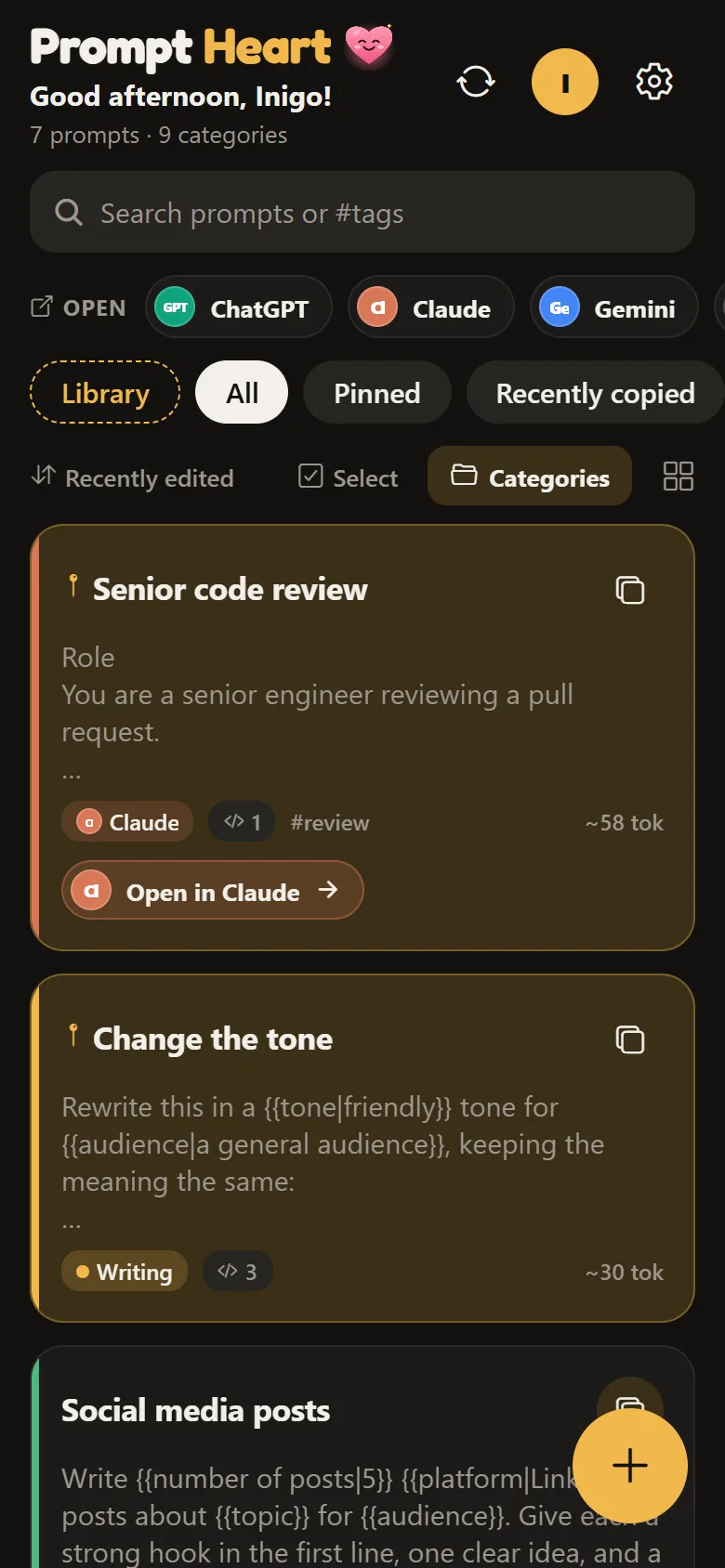
Prompt Heart
Your AI prompts, one tap away.
- Fill in the blanks, then copy
- Open ChatGPT, Claude or Gemini in one tap
- 100 ready prompts to start from
 Heart Apps
Get the apps
Six free apps for Android and Windows, for your prompts, your films, your days with the Thirukkural, and the pictures and video you keep. No ads, nothing to buy.
Your AI prompts, one tap away.

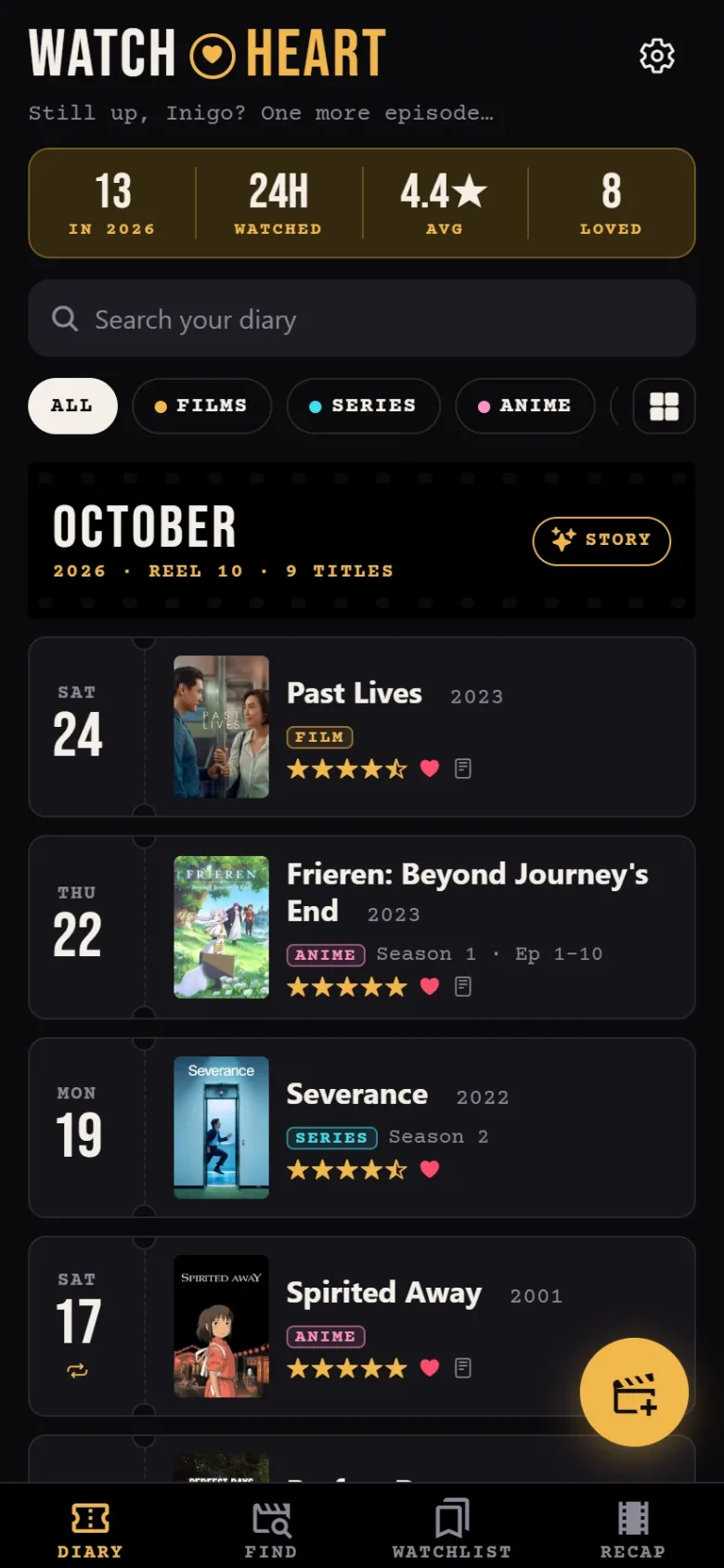
A diary for films, series and anime.

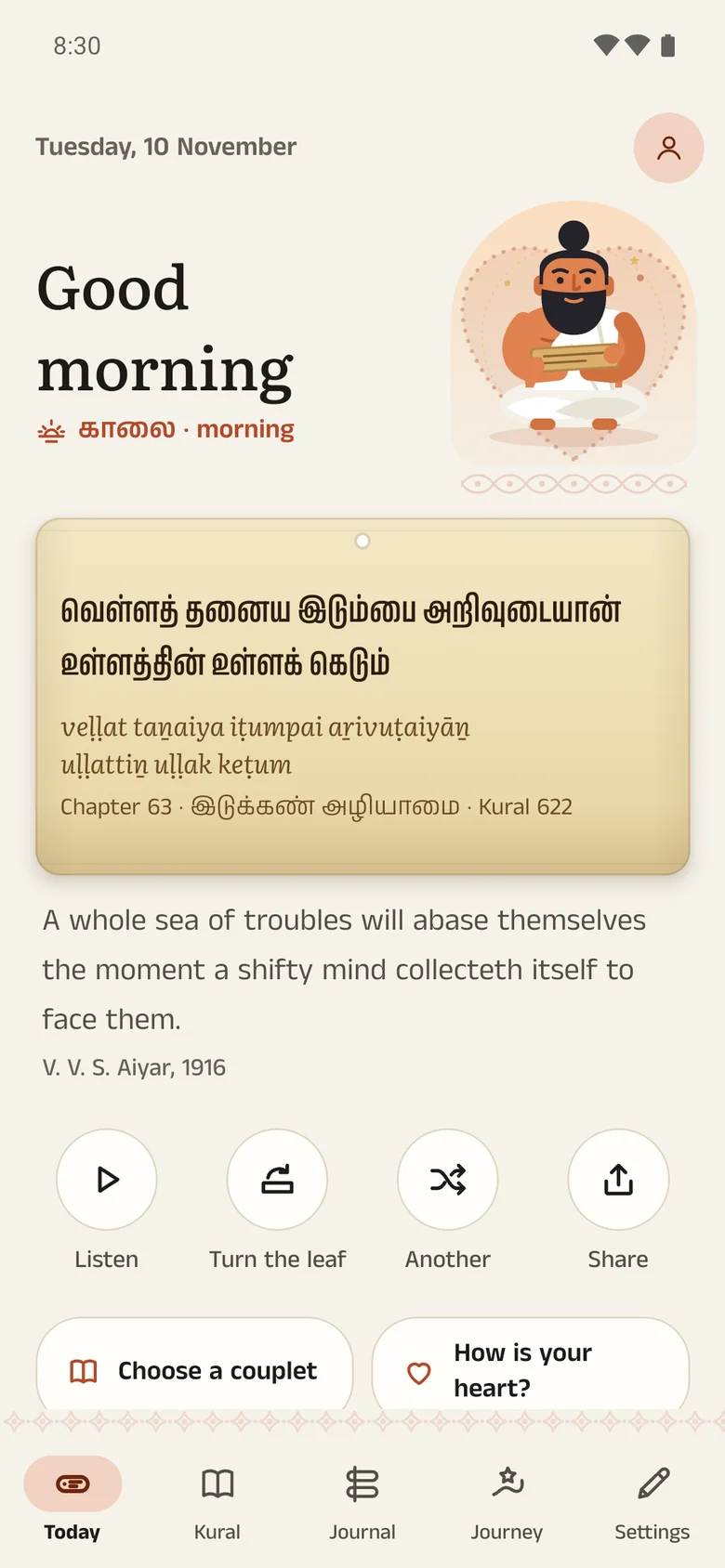
A private journal with Thiruvalluvar.
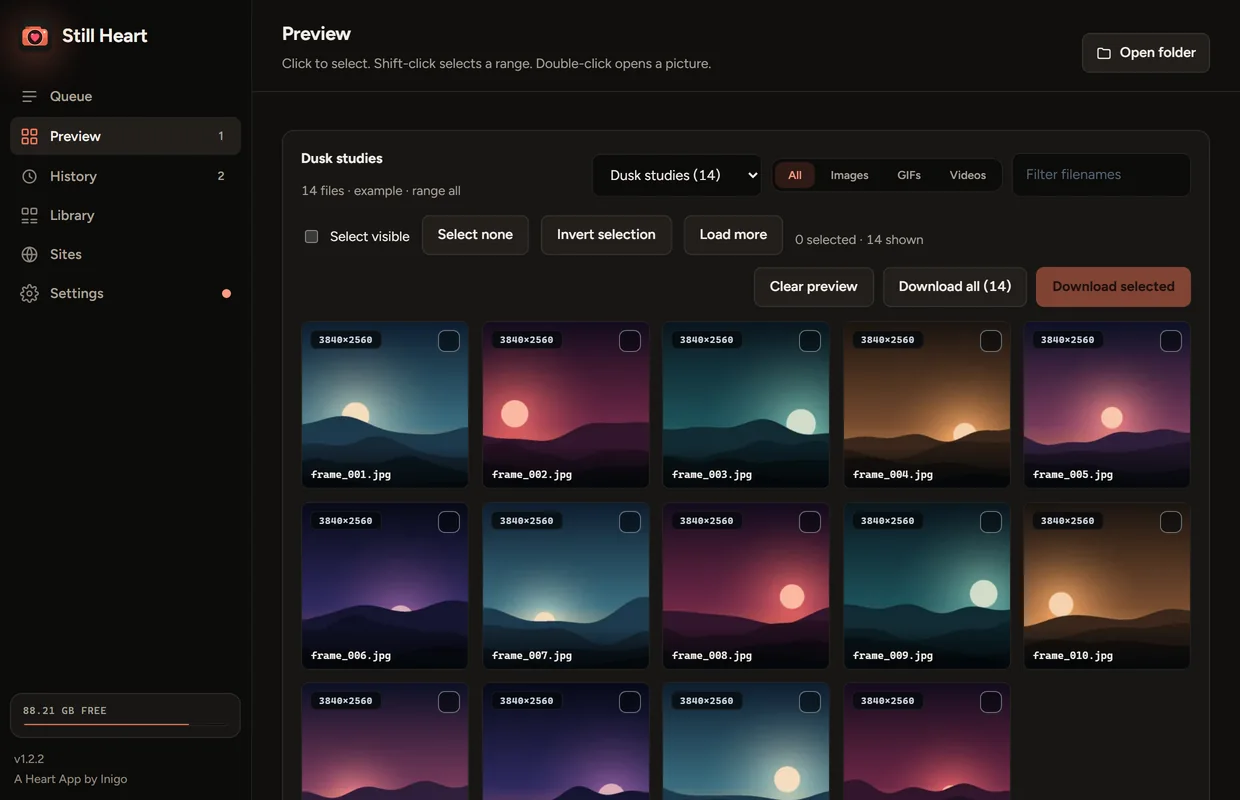
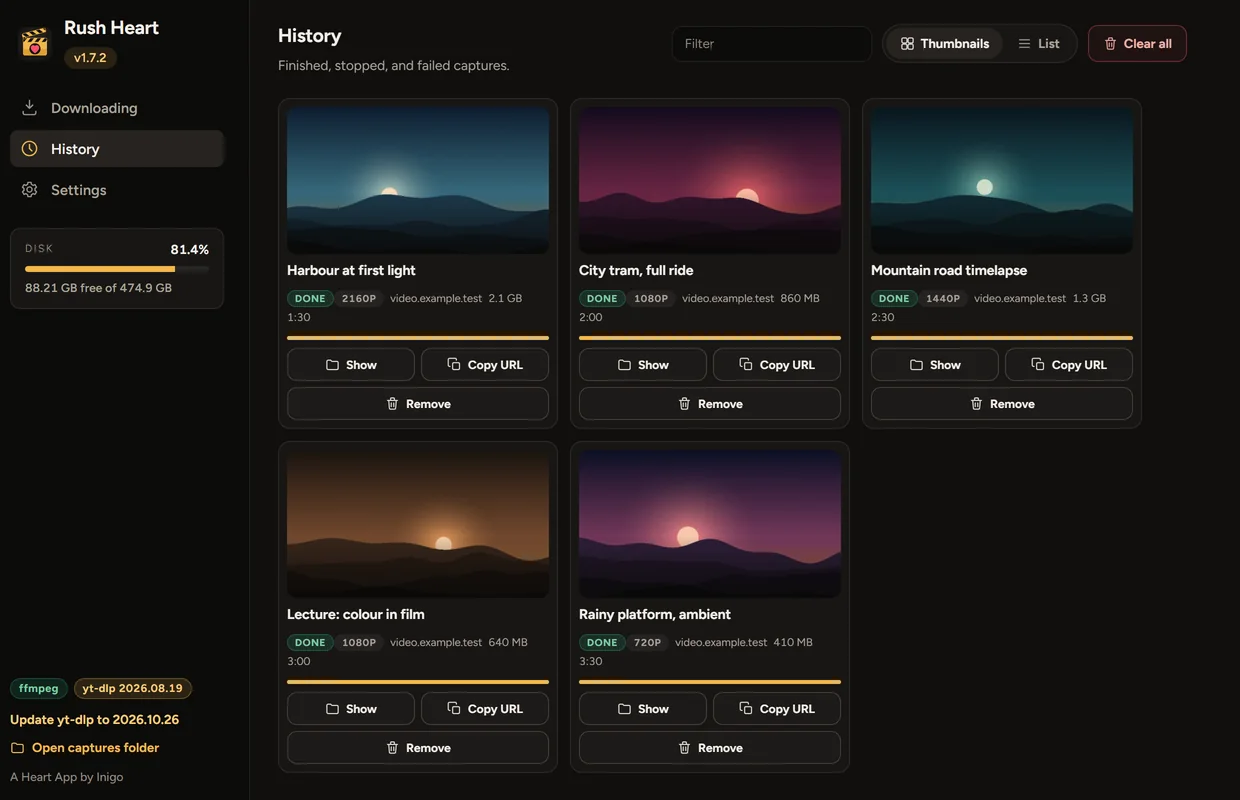
Three portable apps for the pictures and video on your own drive. Each is one file, with nothing to install.

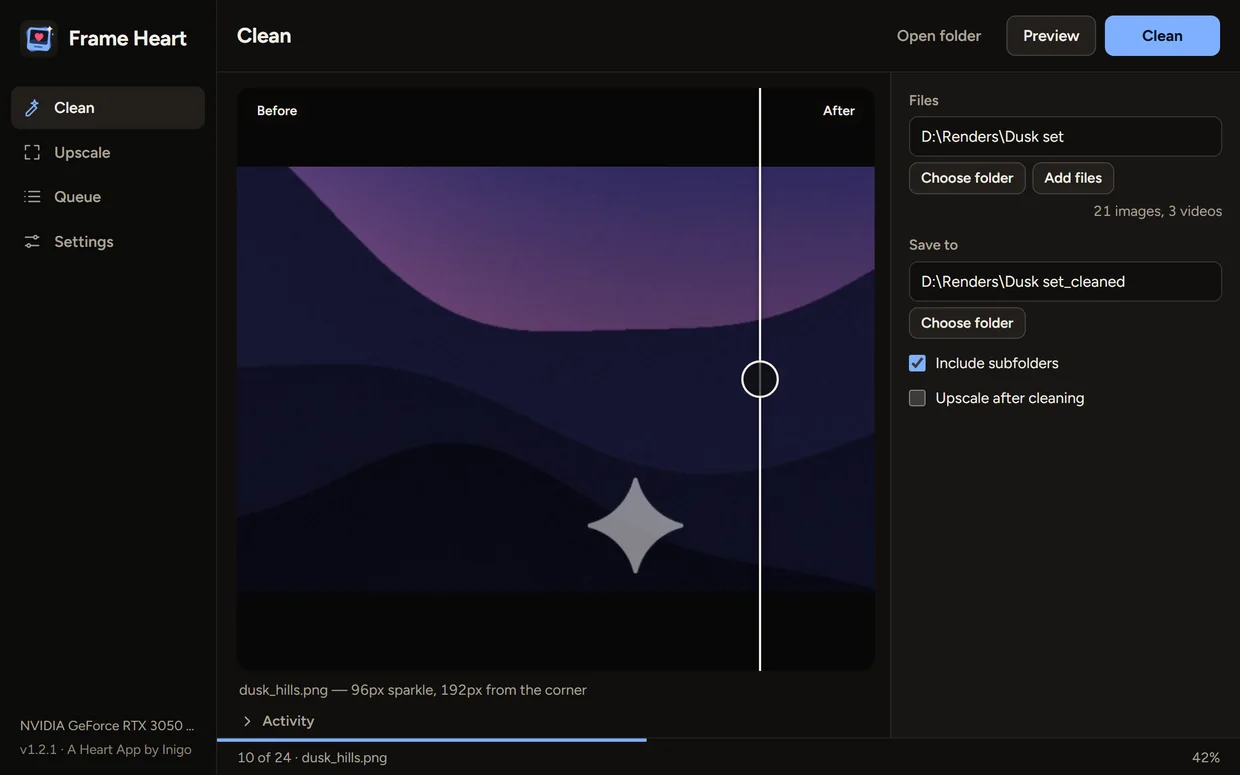
Clean corner watermarks off your AI pictures and video. It works particularly well on images and videos made with Gemini.
Different apps, one way of making them.

Inigo Papu Vinodhan JAssistant Professor of Business Administration, St. Joseph’s College, Tiruchirappalli
By day I teach management to MBA and business students at St. Joseph’s College (Autonomous) in Tiruchirappalli. I came to management from technology, with Computer Science at Karunya and then an MBA, so I still like to build the things I teach about.
I make apps I want on my own phone and computer. Prompt Heart came from good prompts lost in chats and screenshots. Watch Heart came from wanting one diary for the film on Friday and the anime at 1 am. Kural Heart puts a couplet of the Thirukkural beside a page to write, each day.
On Windows, Frame Heart cleans corner marks off AI pictures and video, Still Heart saves whole galleries, and Rush Heart saves videos and audio. All six apps are free.
Ideas, bugs and questions are all welcome. I read every message.
Yes. Every app is free, with no ads, no subscriptions and no paid extras, and that won’t change.
No. The Windows apps have no accounts of their own. On Android everything works without one, and an account only adds sync, so your prompts or your diary follow you to another phone.
On your phone or computer first. If you sign in to an Android app, a copy is kept in your own private account, which only you can read. Kural Heart has no account at all: its journal stays on your phone, and its backups are locked with a passphrase only you know. Each app’s privacy policy lists exactly what is kept: Prompt Heart, Watch Heart, Kural Heart.
On Android, add the app’s F-Droid repository once and updates arrive like any other app, or download the APK from GitHub. Kural Heart is an APK from GitHub for now, and smaller updates arrive inside the app. On Windows, download the one file and open it. Windows may warn you, because the apps aren’t code-signed; each app’s site explains what to do.
Not yet on Google Play; it’s next. There is no iPhone or Mac version.
In Prompt Heart or Watch Heart, open Settings and choose Delete account. Each app’s website also explains how to ask for deletion without the app.