

Get it with F-Droid
Add Kural Heart's repository to F-Droid once, and every new version arrives like any other app update.
On your phone
Add to F-Droid- Install F-Droid (or Neo Store, Droid-ify) if you don't have it.
- Tap Add to F-Droid above and confirm.
- Search for Kural Heart in F-Droid and install it.
If the button does nothing, open F-Droid, go to Settings, Repositories, +, and paste the address below.
From another screen
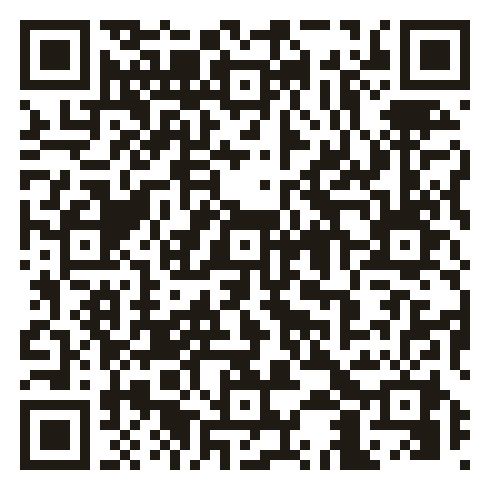
In F-Droid, go to Settings, Repositories, +, and scan this code.
Repository details
Address
https://inigo-code.github.io/kural-heart-site/fdroid/repo
Fingerprint (SHA-256)
36 6D 96 64 2F FC 7D 10 B8 33 AF E2 9F 9A AC 8A 10 B5 92 E4 DE A8 1A F4 3F C5 CF 7B AC F0 B4 B2
F-Droid checks the repository against this fingerprint, so you only ever get files signed for Kural Heart.
Good to know
- It's the same signed APK as the GitHub release, so F-Droid also keeps an APK you installed from here up to date, and your journal stays.
- Smaller improvements still arrive inside the app by themselves; F-Droid brings the bigger versions.
- This is Kural Heart's own repository, not the main F-Droid one, so the app appears in F-Droid's search only after you add it.
- F-Droid marks the app NonFreeDep and NonFreeNet because the optional Google Drive sync signs in through Google Play services and keeps your locked backup in Google Drive, and place names come from your phone's own geocoder.